Price work logged plot by plot, not on the back of a fag packet.
Banksman was started by a bricklayer who got sick of running his own sites on WhatsApp and a biro. Rates per thousand, plots to DPC and up to the plate, facings, blocks and ties: it keeps the gang’s price work, the drawings and the orders in one place.
- Four fields and you're straight into the real app, no card, ever
- Every plan includes every feature, from £79/month inc. VAT
- Speak to Dom or Matt: real people, no call centres

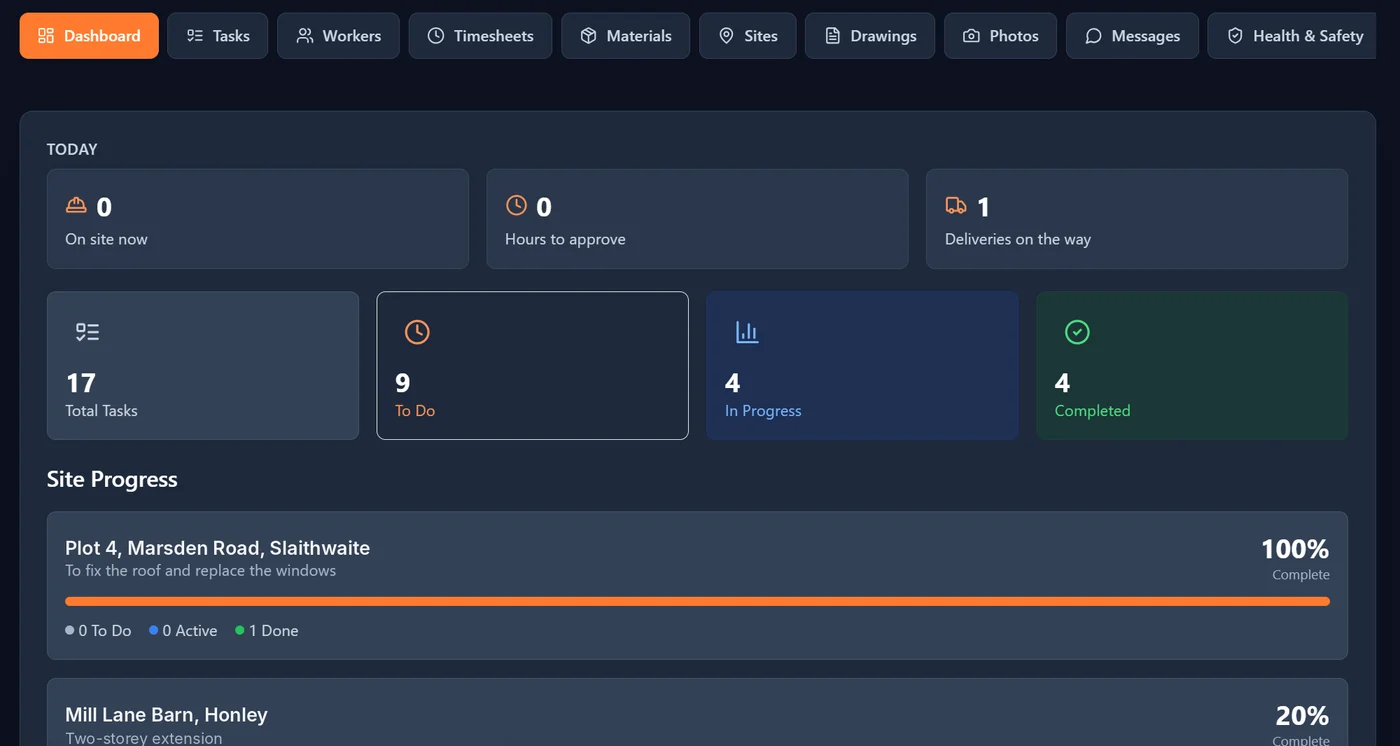
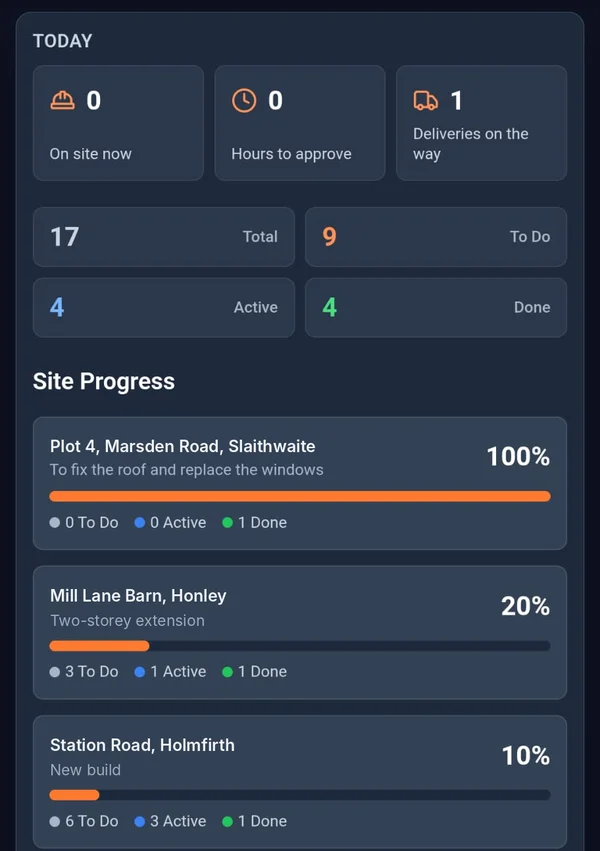

What stands a gang down.
- The problem
Nobody agrees who laid what on which plot.
Three gangs on one site, a rate per thousand, and a measure-up done from memory at the end of the week. Someone always ends up short on the money.
With BanksmanLog price work against the site and plot as you go. The manager approves it or queries it with a reason, and the lad sorts it and resubmits. No more settling it in the car park.
- Timesheets
- The problem
Setting out from a drawing that’s already been changed.
The architect moved a window. The drawing on the scaffold didn’t get the memo, and now there’s a course of facings to take down.
With BanksmanDrawings go on every phone, sorted by site and labelled by version, so the gang can check which one they’re working from before the first course goes down.
- Drawings for every site
- The problem
The gang stands about because the blocks didn’t come.
Someone said they’d order more ties, a pack of blocks and the lintels for plot 6. They didn’t, or they did and it went to the wrong site.
With BanksmanAsk for the bricks, blocks or ties on the app with the quantity and a needed-by date. You can see when it’s approved, ordered and on the wagon.
- Material requests
What you get.
Timesheets
Daywork hours or price work per site or plot. The manager approves or queries with a reason, the worker fixes and resubmits. Grouped by week ending, CSV export, archived when paid.
Drawings for every site
Drawings on every phone, labelled by version, sorted by site and downloadable on site.
Material requests
The worker asks for the item, quantity, unit and needed-by date. Tracked from requested to approved, ordered, dispatched and delivered (or declined), with supplier, order ref, expected delivery and a delivery photo.
Tasks with photo proof
The manager sets the task for each site, with a trade, priority and due date. The worker ticks it off and adds the photo to prove it. Filter by site, trade, status or priority.
Photo library
Every photo is stamped with the upload time from our server, the site, the task and who took it. Location is optional, set by the company.
Site group chats and direct messages
A group chat for every site, plus direct messages, kept apart from your personal phone chats.
Site sign-in and sign-out
Sign in and out with a QR poster on site, with an optional location check at that moment only, and a fire roll call of who’s on site right now.
Push notifications
Notifications go straight to the phone, so updates don’t sit unread.
Being built now.
These aren't in the app yet. They're marked "Coming soon" until they are.
CIS worker invoices Coming soon
Invoices for CIS workers built from their approved timesheets.
Card and certificate expiry tracking Coming soon
Keep track of CSCS, CPCS and other cards, and see what’s about to run out.
Urgency on material requests Coming soon
Mark a material request as urgent so the office knows what to chase first.
Worth a read.
- Site management · 2 min readDaywork vs Price Work: How to Log Hours Without an ArgumentThe difference between daywork and price work, and how to record each one properly so nobody argues about hours at the end of the week.Read the guide →
- Choosing software · 2 min readConstruction Site Management Software for Small and Mid-Size UK BuildersThere's a lot of capable construction management software out there. Here's what to look for if you're a small or mid-size UK builder choosing one.Read the guide →
- Money and hours · 4 min readHow to Price a Building Job: A Simple Method for UK BuildersA step by step way to price a building job: labour, materials, plant, subbies, overheads and profit, with a worked example and free calculators.Read the guide →
Free tools and comparisons
Straight answers.
How do I keep track of bricklaying price work?
Log the work against the site and plot on the day it is done, not from memory at the end of the week. In Banksman each lad logs price work or daywork per site or plot, the manager approves or queries it with a reason, and the week is grouped by week ending with a CSV export for wages.
Is there an app for bricklayers that does price work and daywork?
Yes. Banksman handles both on the same timesheet, so extras on a price-work job can go on as daywork and stay clearly separate. It was built by a bricklayer who runs his own building firm.
Can the gang see the latest drawings on site?
Yes. Drawings go on every phone, sorted by site and labelled by version, and can be downloaded on site, so the gang can check which version they are setting out from.
Does it work for a small gang, not just big firms?
Yes. Starter is £79 a month inc. VAT for up to 10 users with every feature, no per-seat charges and no contract.
Can I track brick, block and mortar deliveries?
Yes. The gang requests materials with the quantity, unit and needed-by date. The office approves and orders, and each request is tracked from ordered to dispatched and delivered, with a photo of what actually turned up on the pallet.
How do I prove brickwork was up to DPC or wall plate on a certain day?
Set each lift or stage as a task on the plot. The bricklayer ticks it off with a photo, stamped with the upload time from our server, the site and who took it, so you have a dated record if it is ever queried.
Can labourers and foremen use it too?
Yes. Everyone gets their own login on their own phone. Workers see their own tasks and deadlines on the worker dashboard, and the foreman or manager approves hours and material requests.
How do I work out a bricklaying day rate?
Use the free day rate calculator on this site. It works out a day rate from what you need to earn, your days worked and your costs, so you can price a gang or a job with confidence.
Does Banksman show labour cost per job?
Not yet. Labour cost per job, worked out from approved hours and each worker’s rate, is being built and is marked "Coming soon" until it is live.
Get the gang on it.
The live demo is the actual app on realistic sample data. Four fields and your logins are on the next page. No card.
Speak to Dom or Matt: real people, no call centres.
Dom: 07508 300353 · Matt: 07964 660071